As of v7.1.11 Passly supports exporting of passwords from the Passly integrated Password Server.
Users will need to be added to the Vault Exporter role to use this function.

- To export passwords log into Passly, then navigate to the Password Server > Import Export.
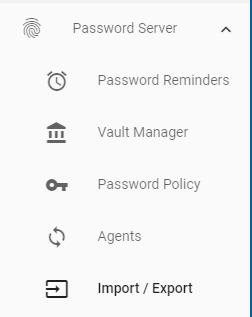
- Select Password Server > Import Export. Select Export Passwords.

- Select the Vault(s) you want to export.
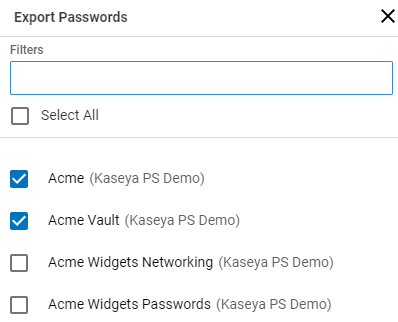
- Select Export Passwords.

- Confirm the Export by typing "Export" when prompted.
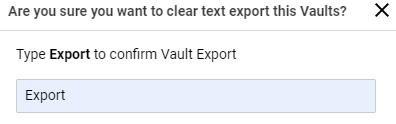
- Select Confirm.

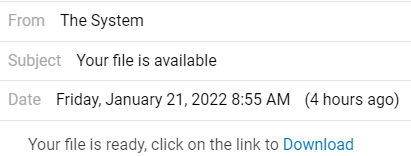
- Check the Alert notification in the Header when the export is ready.

- You should see an alert when the download is ready.

- Select Download to receive the .CSV export.
- The file will download to your local machine. We suggest storing this file using encryption as the passwords are exposed in clear text.